One click away from database testing
It has never been so easy to run tests against databases with this new ShiningPanda CI feature.
Starting a database server on the fly is literally one click away from your job configuration!
In the Build Environment section just check the Start a database server and select the desired databases:
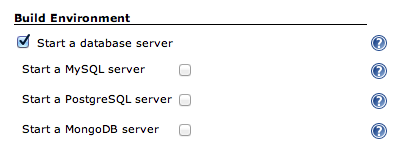
The following ones are supported for now:
The servers are accessible locally on their standard port. A set of environment variables are also available in all your builders to ease the configuration of your project.
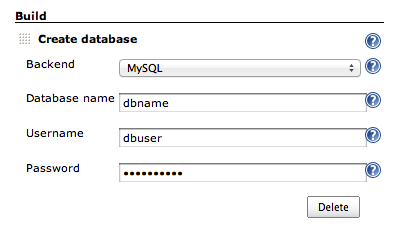
A new builder Create database, lets you create new databases and users for your build:
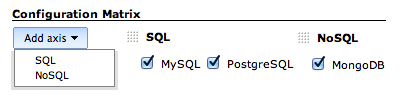
One more thing: if you want to test your project on multiple databases, the combo multi-configuration project with an SQL axis or a NoSQL axis to start a database server is the perfect fit:
Convinced? Register now on ShiningPanda CI!